
Minecraft
Content: Online players, Chat. A fan-made browser version (Eaglercraft). It can join public multiplayer servers, which have text chat. How we label games
 Loading……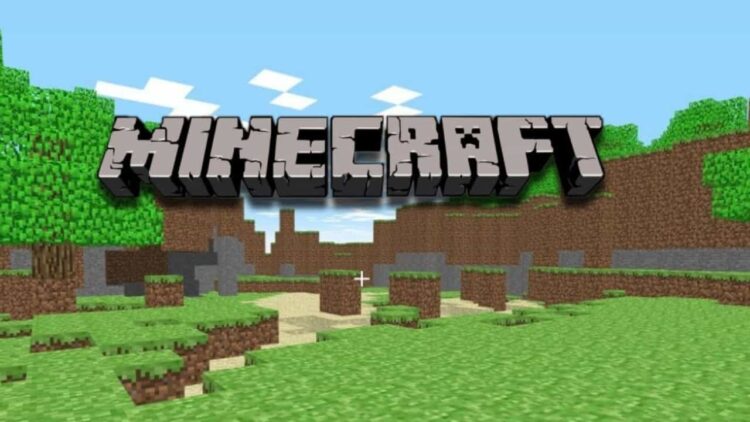
Best on a computer
This one needs a keyboard or mouse, so it will not run well on a phone or tablet. Try one of these instead:
 Understudy (Early Access Demo)Platformer · 2-5 min
 2048Puzzle · 2-5 min
 Drive MadRacing · 2-5 min
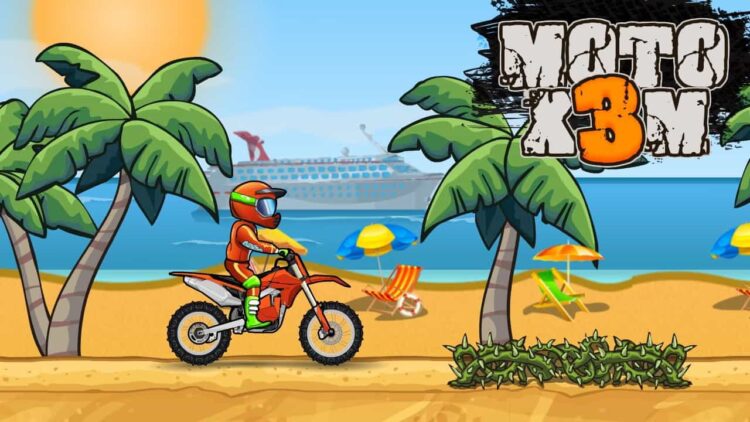 Moto X3MRacing · 5-15 min
 Nice break. Ready to get back to it? Back to study
About this game
This is Eaglercraft, a fan-made port of Minecraft Java Edition 1.5.2 that runs entirely in your browser. It is not an official Mojang release, but it plays like the real 1.5.2: you punch trees, craft tools, dig for ore and build whatever you like in an endless blocky world.
Made by another developer and hosted on Brainlag.
How to play
From the main menu choose Singleplayer and create a world. Survival mode gives you health and hunger, mobs at night and the classic progression from wood to stone to iron and diamond tools. Creative mode gives you every block, lets you fly and removes danger so you can just build. Hardcore is survival with a single life.
In survival, your first day matters most. Gather wood, make a crafting table, then a wooden pickaxe, and dig into stone before dark. Build a small shelter, light it with torches so monsters cannot spawn inside, and get a bed from wool so you can skip the night. From there, explore caves for coal, iron and eventually diamonds, and build a Nether portal from obsidian.
Worlds are saved in your browser. The world menu also has backup options, including exporting a world to a file, which is worth doing for anything you care about. There is a Multiplayer screen with a server list and from the pause menu you can share a world with friends, who join with a code, but those connect to third-party servers and relays and depend on them being online.
Controls
| Key | Action |
|---|---|
| W A S D | Walk (double-tap W to sprint) |
| Space | Jump, swim up, fly in Creative |
| Left Shift | Sneak |
| Left click / Right click | Break or attack / Place or use |
| E | Open inventory |
| 1 to 9 / Mouse wheel | Choose hotbar slot |
Tips
- On your first night, dig into a hillside and wall yourself in. A two-block hole lit with a torch is safer than a half-built house.
- Mine at the right depth. Diamonds sit near the bottom of the world, around the same level where lava lakes start appearing, so carry a bucket of water or blocks to seal off lava.
- Sneak while building at edges. Holding Left Shift stops you walking off a block, which saves a lot of falls.
- If your browser struggles, lower the render distance and turn off fancy graphics in Options. The game runs in JavaScript, so a lighter setting makes a big difference on Chromebooks and older laptops.
FAQ
Is this the official Minecraft?
No. It is Eaglercraft, a community-made browser version based on Minecraft Java Edition 1.5.2. If you enjoy it, the official game from Mojang has many more recent features.
Does it save my worlds?
Yes. Singleplayer worlds are stored in this browser, so they are still there when you come back on the same device. Clearing site data removes them, so use the backup export option for anything important.
Can I play on a phone or tablet?
No. It needs a keyboard and mouse, so play it on a computer or a Chromebook.