
Snow Rider 3D
Content: Third-party trackers How we label games
 Loading……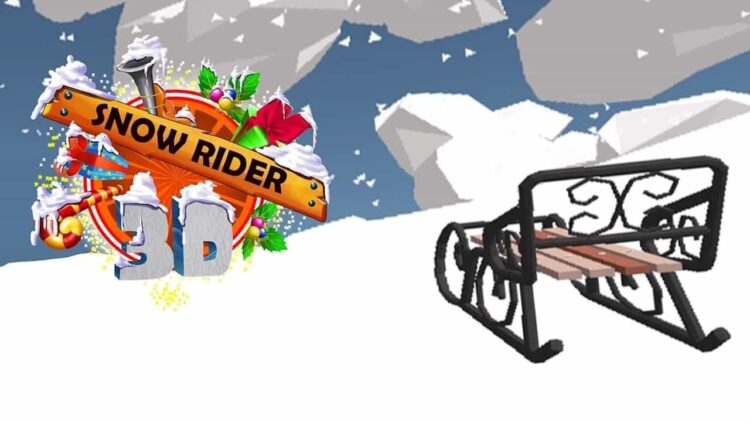
Best on a computer
This one needs a keyboard or mouse, so it will not run well on a phone or tablet. Try one of these instead:
Try anyway

Nice break. Ready to get back to it? Back to study
About this game
Snow Rider 3D sends you down an endless snowy hill on a sled, weaving between trees and other obstacles while the speed slowly builds. It is calm and festive to look at and surprisingly tense to play once the slope gets busy.
Made by another developer and hosted on Brainlag. This game also connects to: Google Analytics.
How to play
Your sled slides downhill on its own. Steer left and right to dodge whatever is in your path, and jump to clear low obstacles and gaps. Hit something solid and the run is over. A short tutorial at the start walks you through steering and jumping.
Your score climbs with the distance you cover, and the game keeps your best score so you always have a number to beat. The scenery changes as you go further down the mountain, so long runs keep looking fresh.
Along the way you can pick up gifts. Gifts are the currency of the shop, where you spend them on new sleds with their own look. Every so often the game may tell you your sled is broken and ask you to wait a little before the next ride.
Controls
| Key | Action |
|---|---|
| Left / Right arrows | Steer |
| Space | Jump |
| Tap left / right side | Steer on a touch screen |
| Tap both sides at once | Jump on a touch screen |
Tips
- Look ahead, not at your sled. Obstacles come in clusters, so plan your line through the next group instead of reacting to the one in front of you.
- Make small corrections. Holding a direction for too long swings the sled across the slope and straight into the next tree.
- Save jumps for when you need them. A jump commits you to a line until you land, so jumping at random can carry you into an obstacle you could have steered around.
- Grab gifts only when the path to them is clear. One extra gift is never worth ending a long run.
- On a phone, try both control styles the game offers (tapping and tilting) and keep the one that feels steadier for you.
FAQ
Does it save my progress?
Yes. Your best score, your gifts and the sleds you have bought are stored in this browser. Clearing site data or switching device starts you from scratch.
Can I play on a phone or Chromebook?
Yes. On a phone or tablet you tap the sides of the screen to steer and both sides together to jump, and on a Chromebook or computer you use the arrow keys and Space.
Is there an end to the hill?
No. The slope goes on until you crash, so the goal is simply to beat your own best score each time.